Remove image background
Upload an image, get a transparent PNG at the original size. Then set the canvas, backdrop, format and DPI before you download.
- In
- JPG · PNG · WebP · HEIC, up to 20 MB
- Out
- PNG with alpha · JPG · WebP
- Size
- Original, up to 4096 px
- Cost
- Free, no account
Files are not stored. The AI cut-out happens on our server and is discarded; colour keying never leaves your browser.
| Number | File | Pixels | Status | Actions |
|---|
- queued
- cutting…
- paused, many files…
- ready
- ready · colour key
- reading…
- Not an image we can read. Use JPG, PNG, WebP or HEIC.
- The file is larger than 20 MB.
- The service is at capacity. Try again later.
- Too many requests in a minute. Retry shortly.
- Daily limit reached. Try again tomorrow.
- The image could not be decoded. It may be damaged.
- Verification failed. Reload the page and try again.
- Processing failed. Retry.
- This browser can’t read the file, so the colour key can’t run. Try the AI method or a JPG/PNG.
- The file could not be prepared. Try again or choose another format.
- This browser can’t copy images. Use Download.
- Copied as PNG.
- Up to %n files at a time; the rest were skipped.
- WebP has no DPI field. Choose PNG or JPG for print.
- JPG has no transparency: empty areas become white.
- Click the image to pick the colour to remove.
- measuring…
- images.zip
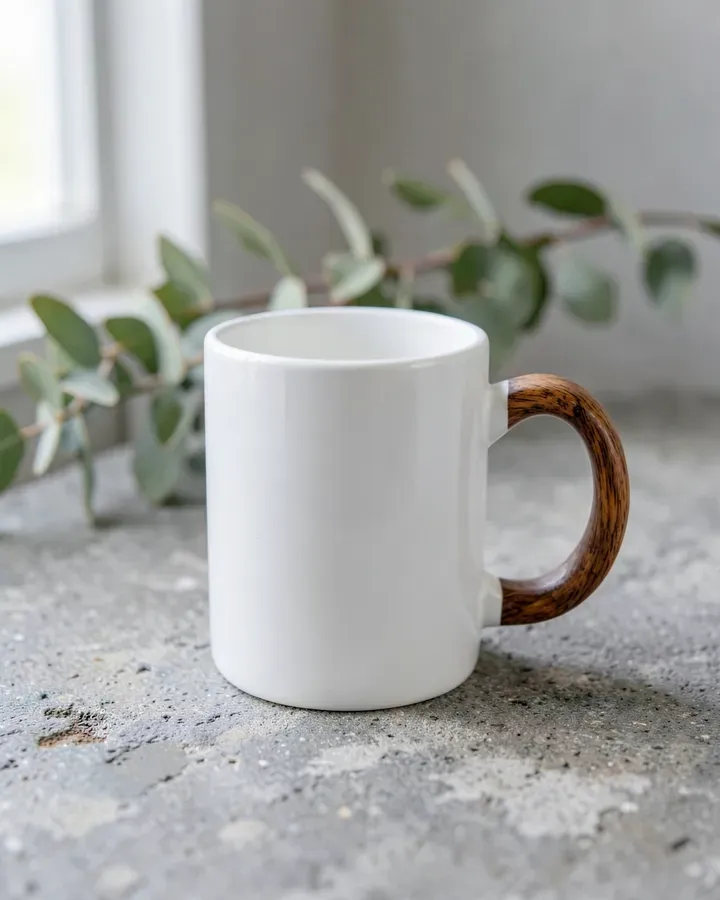
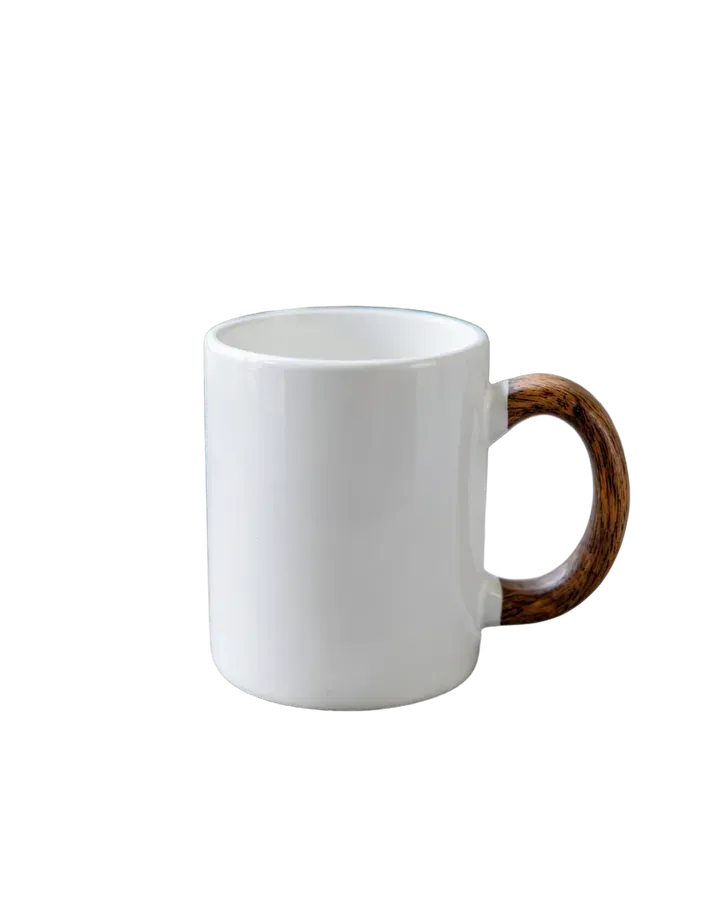
The grid marks transparent pixels. The edge of the handle and the rim stay soft, so the mug sits naturally on any page, slide or listing.
How it works
- Upload. Drop one image or up to ten. Paste from the clipboard works too.
- Choose the method. AI finds the main subject in any photo. Colour key removes one flat colour and never leaves your browser.
- Check the edge. View the result on grid, white, black or as a black-and-white mask. Brush out what is left.
- Set the output. Original size, trimmed to the subject, a marketplace preset or an exact canvas in pixels.
- Download. The file size is shown before you click. Several files go out as one ZIP.
Output, in numbers
| Setting | Options | Default |
|---|---|---|
| Format | PNG (alpha), JPG, WebP (alpha) | PNG |
| Quality | 40–100% for JPG and WebP | 90% |
| Resolution | Original up to 4096 px, trimmed, or a fixed canvas up to 8000 px | Original |
| DPI | 72, 96, 150, 300, 600 (written into PNG and JPG) | 300 |
| Backdrop | Transparent, white, any hex colour | Transparent |
| Canvas presets | Amazon 2000², eBay 1600², Etsy 2000×1600, Shopify 2048², square 1080² | — |
Questions
What file do I get?
A PNG with an alpha channel by default, at the size of your upload up to 4096 px on the long side. You can switch to JPG or WebP, set the quality, and write 72–600 DPI into PNG and JPG files.
Can I remove a plain white or coloured background without AI?
Yes. Choose Colour key in the Method panel. It removes one flat colour you pick or that we read from the image border. It runs entirely in your browser, so the file is never uploaded.
How do I make an Amazon-ready product image?
Open Frame and choose Amazon. The subject is centred on a 2000 × 2000 px white canvas and fills 85% of it. The Fill slider changes that share; eBay, Etsy and Shopify presets work the same way.
The AI left part of the background. How do I fix it?
Open Refine and turn on Brush. Erase removes leftovers, Restore paints the original back. Size is set in pixels of the final file and Hardness controls how soft the edge is. Switch the view to Mask to see exactly what is kept.
Is there a limit?
Up to 10 files in the table at a time, 20 MB each. There is no account and no watermark.
Do you keep my images?
No. For the AI method the image is sent to our server once, the cut-out is returned and the upload is discarded. The colour key, the brush, framing and export all run in your browser.